What KPIs Should an MSP Service Desk Track?
Six service desk KPIs for MSPs, with benchmark bands for each: utilization, response, resolution, hours per ticket, past due tickets and kill rate.
An MSP service desk should track six KPIs on user-generated tickets: technician utilization, time to response, time to resolution, average hours per ticket, past due tickets and kill rate. Exclude alert tickets, projects and proactive work to start until you can dial in just service tickets. Then review them on a fixed cadence and pair every KPI with a countermeasure so nobody games it.
Start with user-generated tickets only
The first rule for service desk KPIs is scope. Exclude RMM and alert tickets, exclude projects, and exclude time and materials or proactive work.
Response times and SLAs are promises to people. If a server problem is bad enough, a user has already called you about it. Alert tickets also flood the data with noise, so a resolution time that blends alerts with user tickets describes nothing in particular. Manage the alert queue separately, with its own measures.
Without this rule, every number below measures something different from MSP to MSP, and the benchmarks stop meaning anything.
The six KPIs and their benchmark bands
| KPI | Problem | Watch | Good | Target | Best in class |
|---|---|---|---|---|---|
| Utilization | Under 50% | 50% to 70% | 70%+ | 80% | |
| Time to response | Over 90 min | 60 to 90 min | Under 60 min | Under 30 min | 15 min |
| Time to resolution | Over 8 hrs | 4 to 8 hrs | Under 4 hrs | Under 1 hr | 30 min |
| Average hours per ticket | Over 2 hrs | 1 to 2 hrs | Under 1 hr | 0.5 hrs | |
| Past due tickets | Over 10 | 1 to 10 | 0 | 0 | |
| Kill rate | Under 95% | 95% to 100% | 100%+ |
Use these as a reference point. Understand your own internal standard first, mine included, and work toward these numbers over months. Expecting best in class by next Monday creates a sense of hopelessness. Instead of people leaning in to achieve something, they will just surrender to the norm.
What each KPI tells you
Utilization is the share of a technician’s available time spent on ticket work. It’s the biggest lever you have on cost per ticket. I set the target at 70% because everyone loses an hour or more a day to context switching. I wrote more about it in How to Improve Technician Utilization at Your MSP.
Time to response is how long a user waits before a person picks up their ticket.
Time to resolution is how long the user waits for the fix. Fast resolution is the number one driver of customer satisfaction, so this one shows up in your CSAT whether you track it or not.
Average hours per ticket measures effort, the SLA-bound hours logged against a ticket. Elapsed time doesn’t count here. A ticket that stayed open three days and took 40 minutes of work is a 40-minute ticket. PSAs rarely report this by default, which is a shame, because it’s the clearest efficiency number you have. If an average ticket heads past four to six hours, it probably belonged in a project.
Past due tickets are tickets that missed their scheduled date. The target is zero. Train your techs to drag unfinished tickets forward on the PSA calendar before they log off. In ConnectWise and most other PSAs, moving the calendar entry reschedules the ticket, which cleans up this KPI and keeps people accountable for when they’ll work on what.
Kill rate compares tickets closed to tickets opened. They don’t need to be the same tickets. If ten came in today and your team closed ten from across the queue, you held the line. Over 100% means the queue is shrinking.
Every KPI needs a countermeasure
Pressure on one number creates a dark incentive somewhere else. Tell a team to close more tickets, and some of them will start auto-closing tickets without contacting the user. Pair ticket counts with customer satisfaction so a high-quality close is the thing you reward.
Before you push on a KPI, ask how someone could game it and what that would cost you. Then pick the measure that catches it.
Review KPIs on a cadence
KPIs only help if you look at them before something goes wrong. Reviewing them after a client escalation is catching a falling knife.
A cadence that works:
- Daily: a five-minute health check of the dashboard
- Weekly: a 30-minute operational review, Monday or Friday
- Monthly: a deep dive on the first Monday, looking at individuals and the team
- Quarterly: a half day on strategic action
Book these as meetings with yourself and treat them as non-negotiable. When one gets bumped, drag it forward on your calendar. Write down what you observed and what you did about it, so three months from now you can tell whether the action moved the number.
Use KPIs in one-on-ones without making them the one-on-one
Your techs should be able to see their own daily dashboard. Review their numbers before each one-on-one, take five minutes to make notes, and bring up what you noticed. Pulling up the board and surfing it together feels unprepared and can feel like you’re hunting for something.
The monthly deep dive also keeps you from treating individual problems as team problems. If two people are behind on time entry, talk to those two people. A team-wide email misses them and annoys everyone else.
A scorecard has to lead somewhere
A KPI is a diagnostic. A red number on a scorecard tells you where to start asking why. If nobody asks why, and nothing changes when a number is green or red, you’re handing out participation trophies.
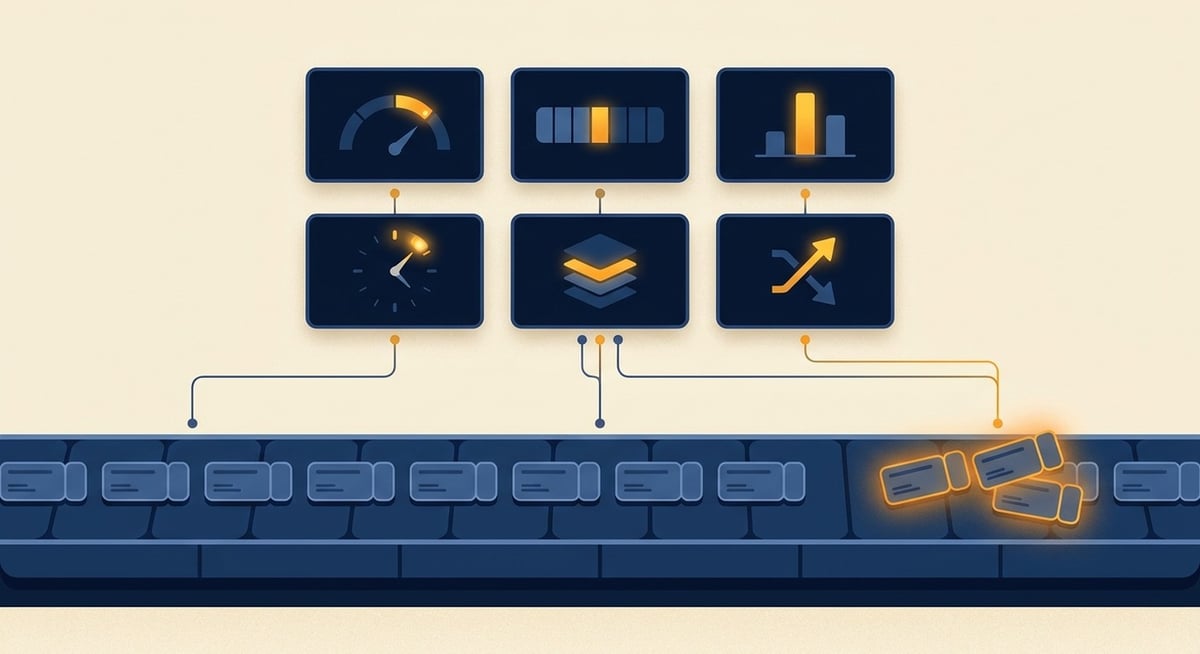
Think of the ticket queue like an airport baggage belt. Every KPI here exists to show you where something is stuck before everything behind it piles up.
Where to go from here
The Ticket Levers Diagnostic is the framework we use in Opsleader Pro to work backwards from a bad number to the behavior behind it. If you’re a newer service manager, the MSP Service Manager Boot Camp walks through these KPIs and how to build them in your PSA.
Related reading: How to Calculate Your MSP’s Cost per Ticket and Dispatch Data for Amazing Service Delivery.
Want more?
Opsleader Pro: weekly coaching for MSP ops leaders
If this resonated, you'd get more from a live Thursday coaching session with peers running the same fights. Apply to join Opsleader Pro.
Learn About Opsleader Pro
Todd Kane
Founder of Evolved Management. Helps MSP operations leaders build teams that run without them through group coaching, consulting, and operational frameworks.
More about Todd